
Checked on every request
Access is not only checked at login. Every time someone opens a record, Edqio checks again. If it is not theirs, they do not see it.
Admissions, timetables, attendance, fees, report cards, and the school bus. Built for how East African schools actually work.
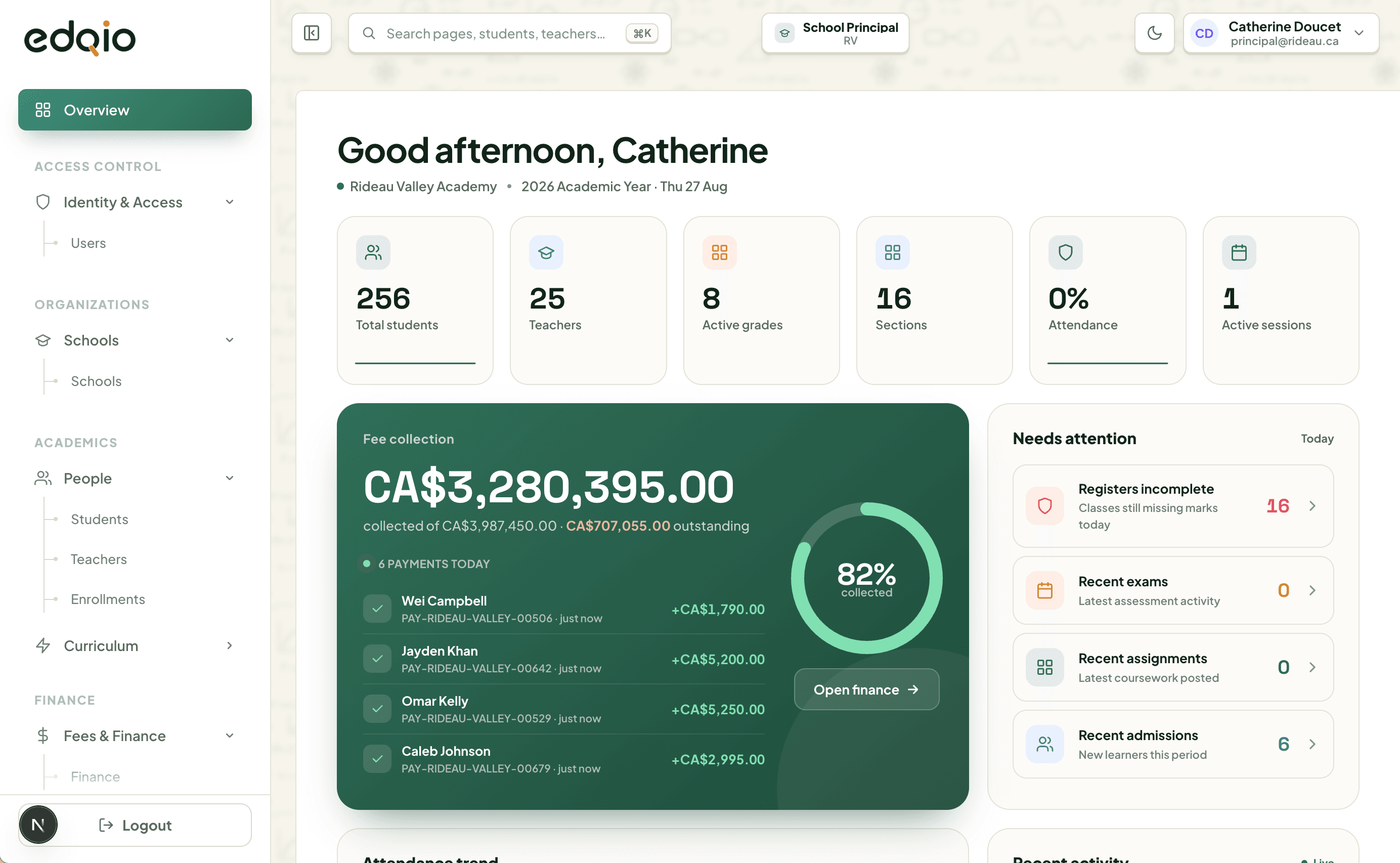
The tools your school already needs, in one product instead of a stack of separate apps.
Set up the academic session, grades, subjects, curriculum, and teachers in order. New schools do not start from a blank screen.
The first time staff open a screen, Edqio shows them what to do next. No separate training manual required.
Parents, teachers, and students talk in one place. The right people are already connected, and the school keeps a record of every message.
Run meetings in the browser. No Zoom links to paste, and no separate video account for every teacher.
Teachers can stream a lesson to students who stayed home. Attendance is still recorded for who joined.
Manage fleet, drivers, stops, and routes in Edqio. Parents can follow the bus their child is on.
Every published report card includes a QR code. Anyone can scan it to confirm it came from your school.
Parents see fees, bus status, attendance, and report cards for every child under one login.
Generate invoices for the whole school, fix anyone who could not be billed, then send. Parents only see an invoice after you do.
What is owed, what has been paid, and what is still pending, on one screen. Less chasing paper, fewer office calls.
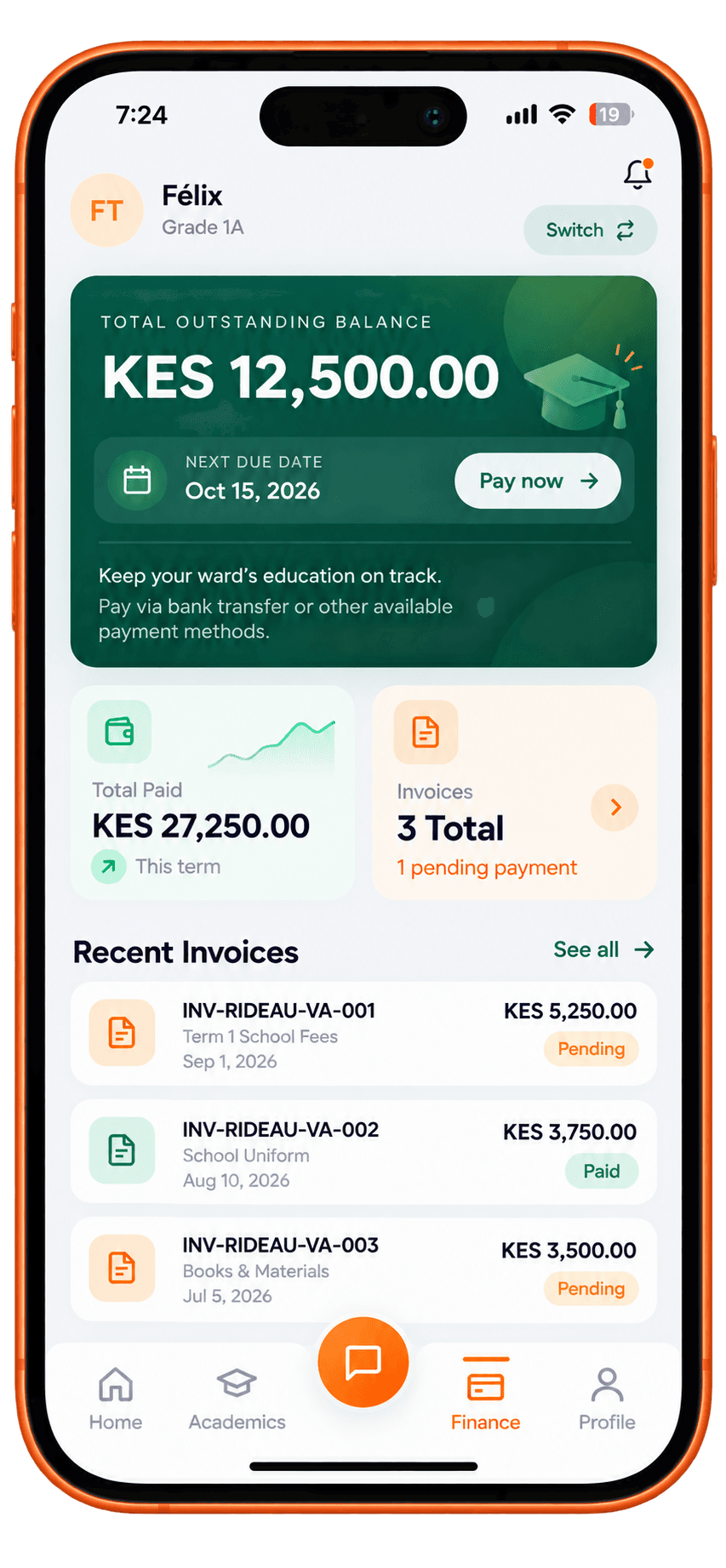
Each person opens Edqio and sees the work that belongs to them. Nothing more.
Responsible for the whole school. Needs a clear picture of enrolment and staff, and must approve anything that affects fees.
In their account
See routes on the map, follow buses live, and know who is on board. Parents can watch the bus that carries their child.
Transport is part of Edqio
Fleet, drivers, stops, routes, and schedules live in the same system as the rest of the school. No separate transport app to maintain.
Parents know which bus their child is on
They open Edqio and see the route, the stop, and whether the bus is on the way. Fewer calls to the office asking if it has left.
Who rides where, kept with the student
Assign a child to a route and a stop once. Change it when they move house. Parents and the morning run stay in sync.
Each person only sees what they need for their job. A teacher sees their class. A parent sees their own children. Finance sees fees, not marks.
Your school chooses who gets access to what. The system enforces those rules on every screen.
Access is not only checked at login. Every time someone opens a record, Edqio checks again. If it is not theirs, they do not see it.
You decide who can see fees, marks, or student details. Add roles when you need them. Nobody can go beyond what you allow.
Discounts, waivers, and deletions need one person to request and another to approve. One account cannot do both.
See who changed what, when, and who approved it. You can review it and export it. Nobody can edit the history.
Examples
Your school can change these rules to match how you work.
Bring a term of your records. We will show you what finance, teachers, and parents each see. Pick a preferred time and day. We will confirm your booking by email.